Picture stories
Picture story: a walk through the NetShow Studio
Ask Mrs. NetShow about this
Ask Mrs. NetShow anything about this post. Your microphone opens only when you press Ask or Read it to me.
The Studio is where every part of NetShow comes together, and its page is long. This picture story walks down it in six screens, so you know what is there before you open it. Every image is our own served page, captured on 2026-09-24.
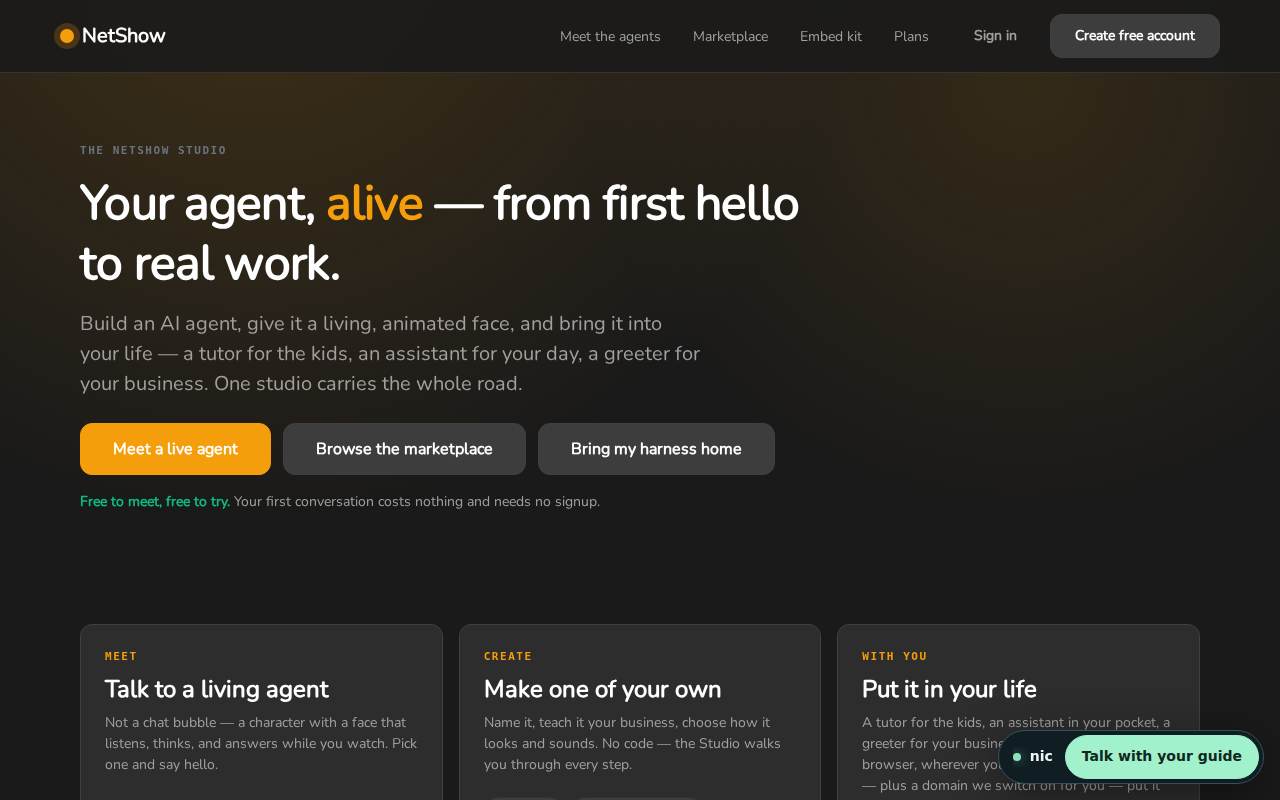
1. The promise. The page opens with one line: your agent, alive, from first hello to real work. Build an agent, give it a living face, and bring it into your life: a tutor for the kids, an assistant for your day, a greeter for your business. The three buttons are the three ways in: meet one, browse the marketplace, or bring the harness you already have. The small print under them matters most: your first conversation costs nothing and needs no signup.
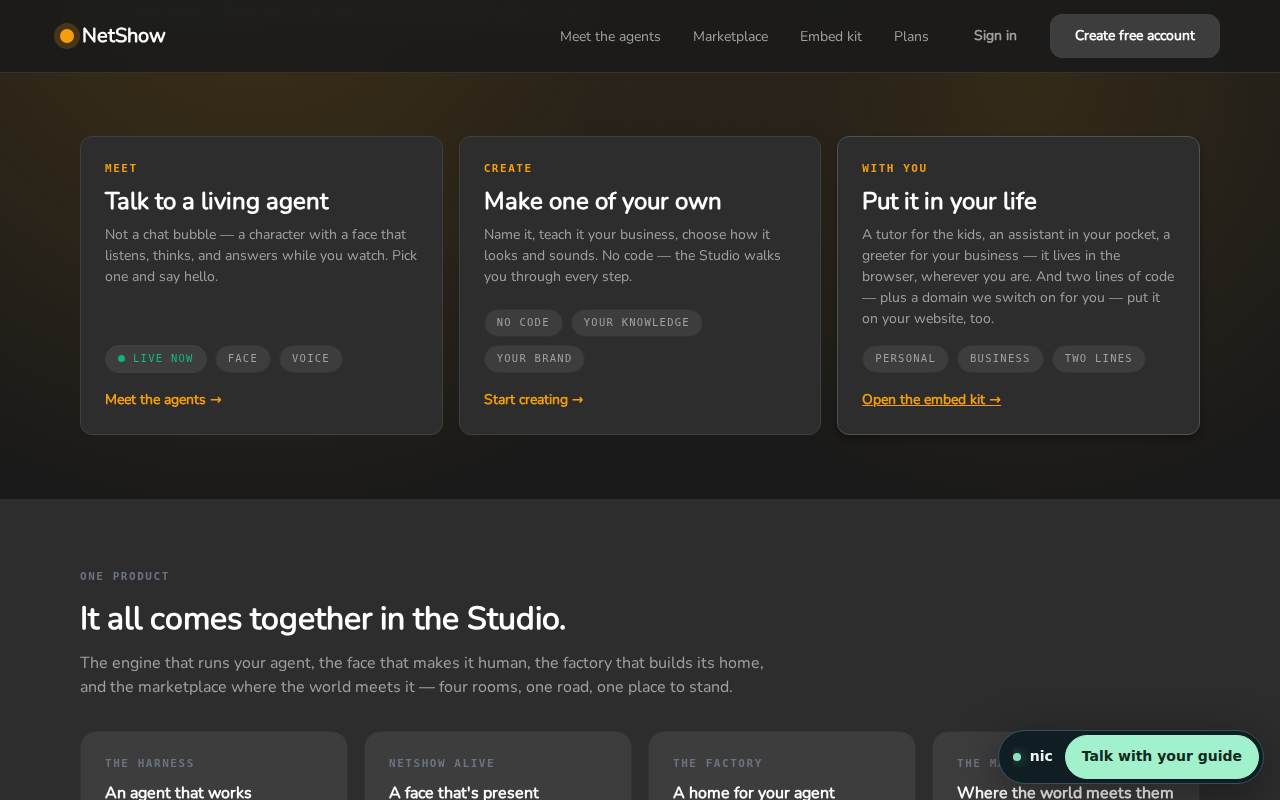
2. Three doors. Meet a living agent, with a face that listens, thinks and answers while you watch. Create one of your own, with no code. Put it in your life, in the browser, wherever you are, and on your own website with two lines of code plus a domain we switch on for you.
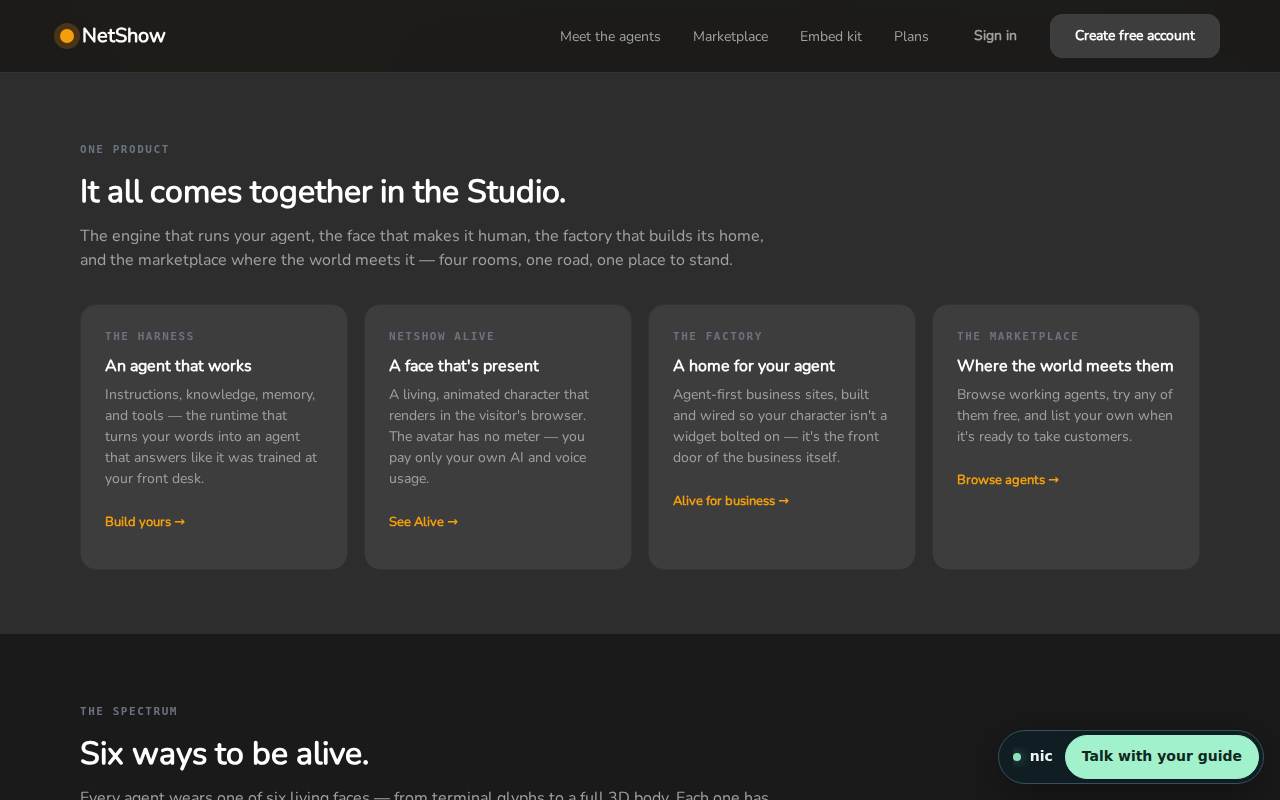
3. Four rooms, one product. The harness is the engine: instructions, knowledge, memory and tools. NetShow Alive is the face that makes it human. The factory builds agent-first business sites. The marketplace is where the world meets your agent.
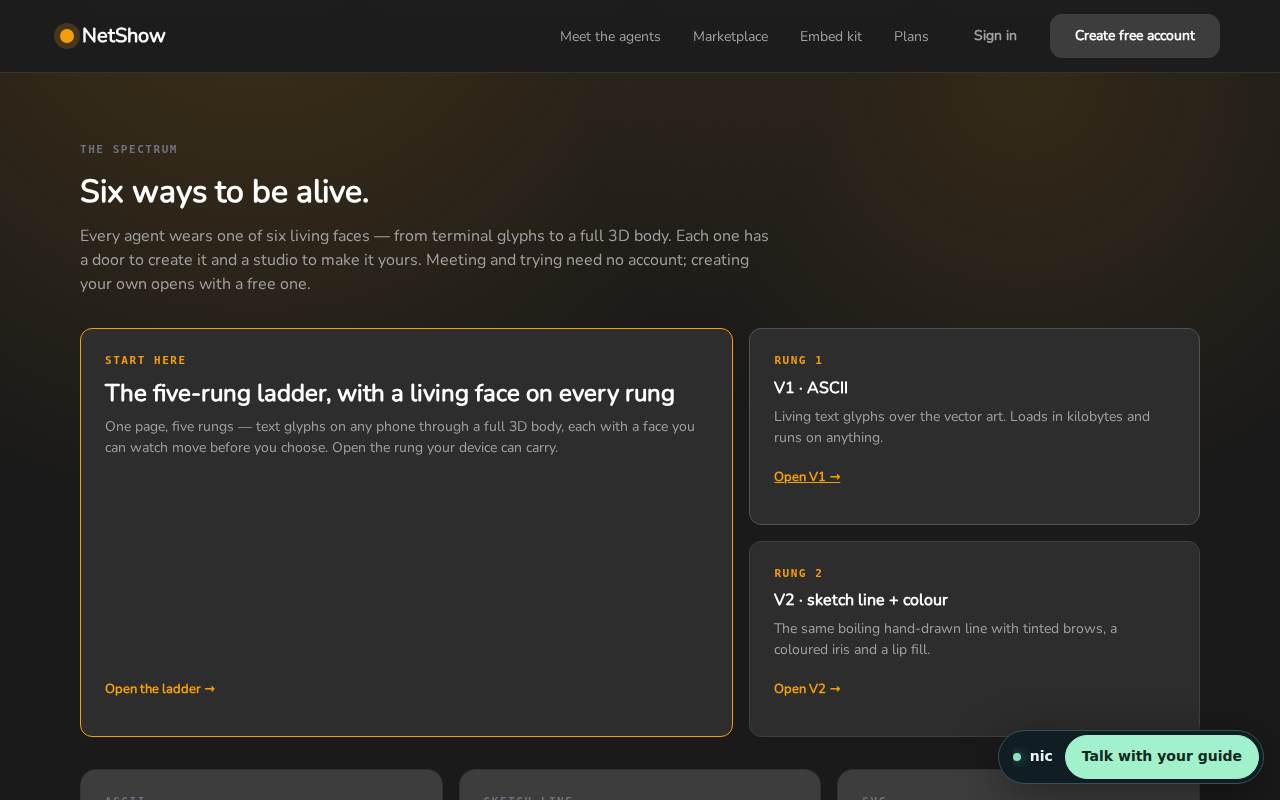
4. The faces. Every agent wears a living face, from terminal glyphs to a full 3D body, and each one has a door to create it. Meeting and trying need no account; creating your own opens with a free one. Our posts on each look, starting with the ASCII look, go through them one at a time.
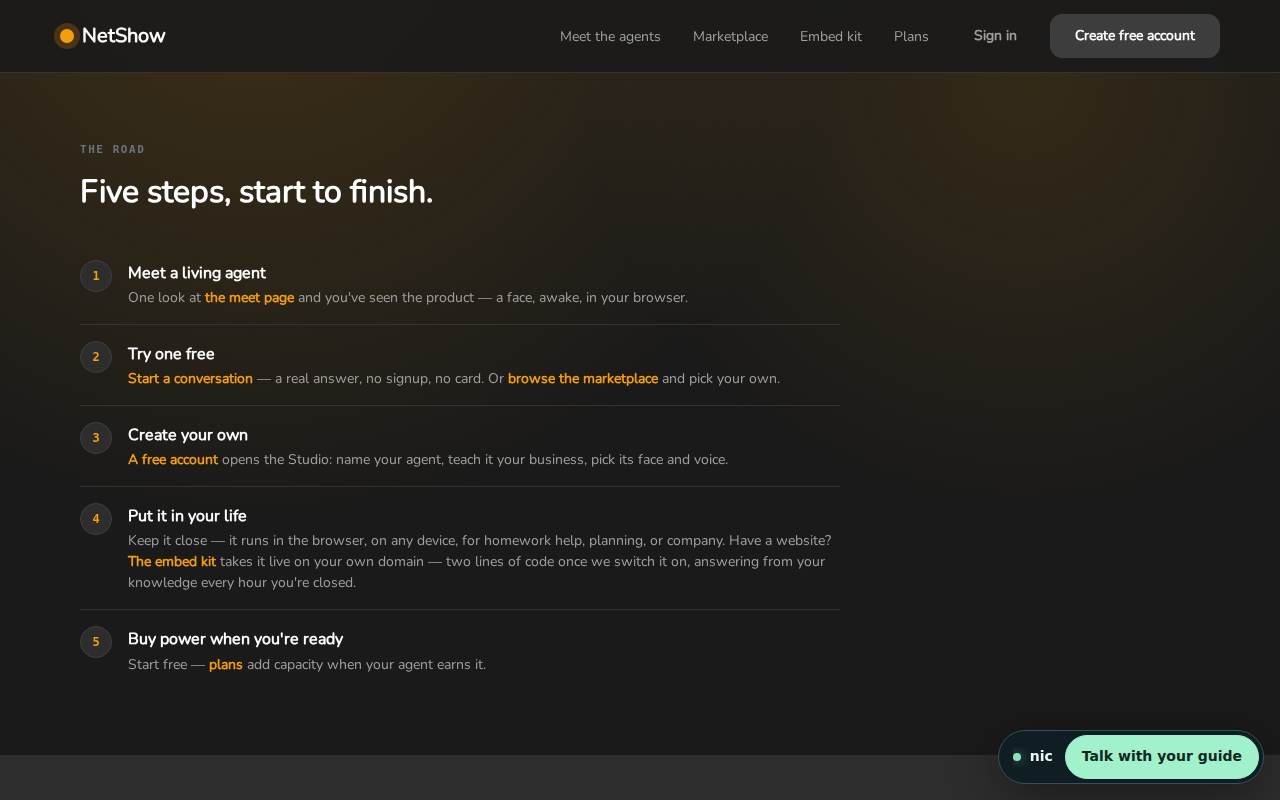
5. The road. Five steps, start to finish: meet a living agent, try one free, create your own, put it in your life, and put it on your site.
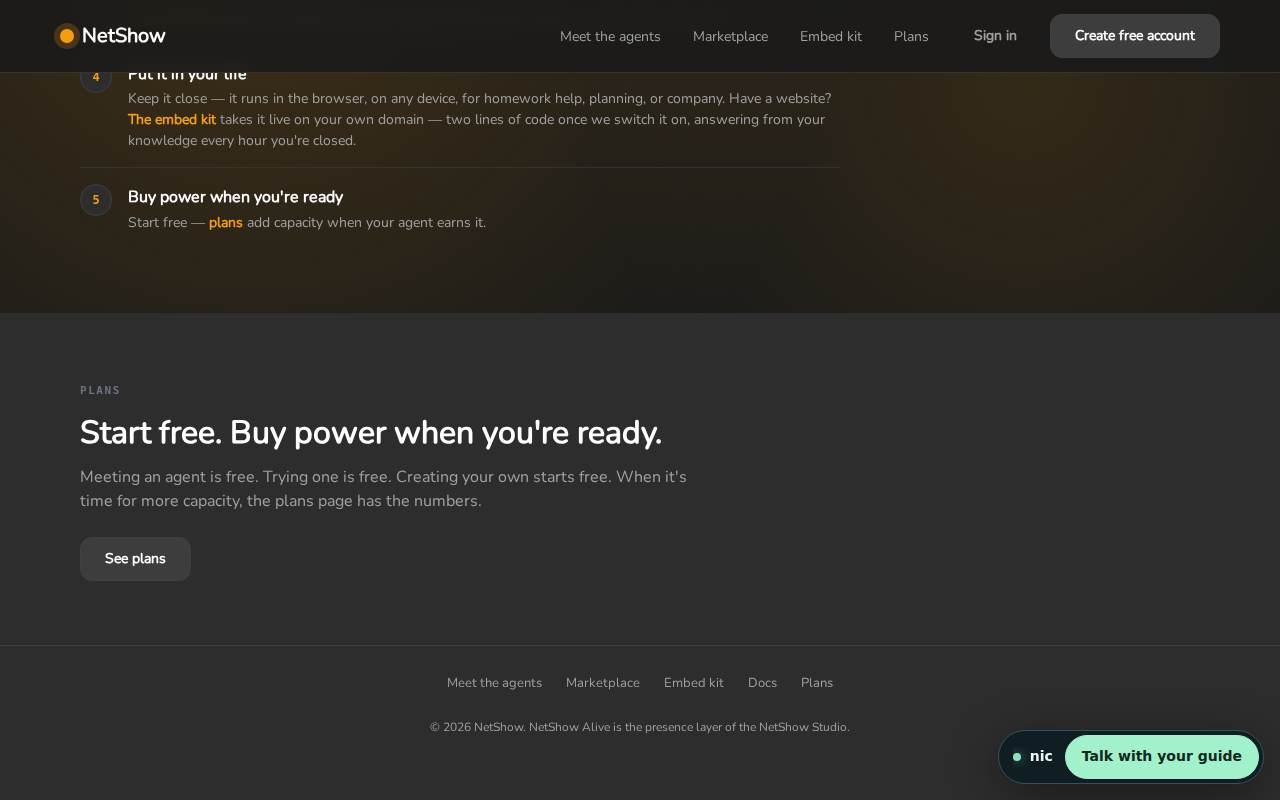
6. The plans. The page ends where the questions about cost begin, with a link to the plans page. The short version: meeting, trying and building are free, and a free account keeps what you make.
Open the Studio and scroll it yourself. The dock in the corner is Mr. NetShow, and he will answer anything the page does not.