Guides
Speaks first, and drives the page
Ask Mrs. NetShow about this
Ask Mrs. NetShow anything about this post. Your microphone opens only when you press Ask or Read it to me.
There are two ways to put an agent on a web page. You can hide it behind a button and wait for someone to press it, or you can let it say hello. Almost everyone does the first. NetShow Alive does the second, on purpose, and this post is about why, what it looks like on our pages today, and the next step: an avatar that does not just talk about the page but moves it for you.
The problem with waiting
A help button in the corner of a page is polite. It is also nearly invisible. Visitors have learned to ignore it, the same way they ignore banner ads, because it has never done anything until they did something first. The burden is on the stranger: notice the button, decide it is worth it, think of a question, type it. Most people stop at the first step.
The agent behind that button might be excellent. It does not matter, because the conversation never starts.
What speaking first means
An Alive avatar opens the conversation. On our front door, before you have clicked anything, Mrs. NetShow says "Hi, I'm Mrs. NetShow. Tell me what you need done." Under that sit three ways to start, "for me", "for a business" and "just curious", so even someone with no question yet has something to say.
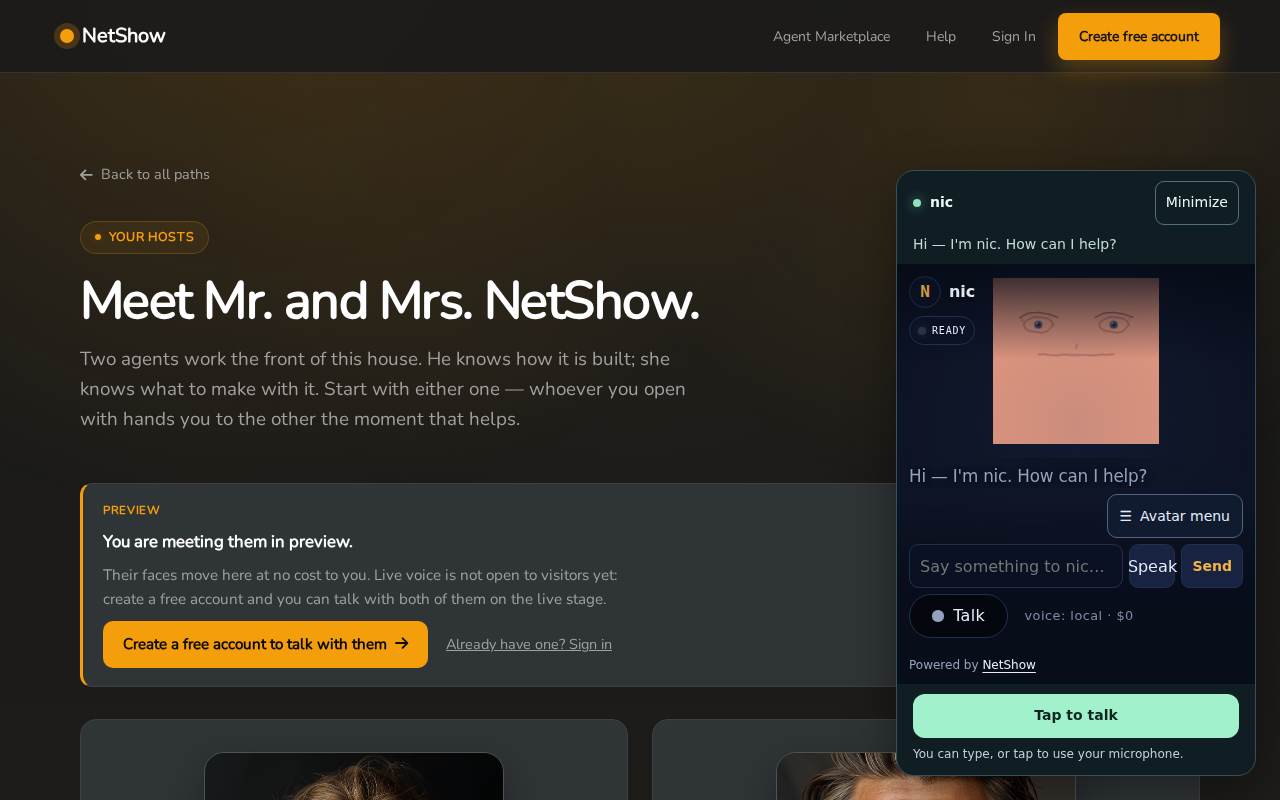
The same thing happens across our pages through the Alive dock. The dock carries a greeting, "Hi — I'm Mrs. NetShow. How can I help?", and a button that says "Tap to talk". On a wide screen it may open by itself; on a narrow one it waits collapsed in the corner, still showing who is there. When the agent's voice is the browser's own speech and the browser allows sound, the greeting is spoken aloud as the page opens.
Speaking first is not the same as being pushy. Three rules keep it on the right side of that line.
- It never covers what you came for. The dock does not open over the sign-in or account pages, and it can be minimised with one tap.
- It never listens uninvited. Your microphone opens when you tap to talk, and your browser asks first. On the stage where our two hosts appear together, the banner says it plainly: no microphone or live conversation starts until you accept an invitation.
- It lets you leave. On the front door there is a link that says "Ask me to forget you", and it means exactly that.
Two hosts who hand you on
On the Meet page you can see a second part of the idea. Mr. and Mrs. NetShow work the front of the house together: he knows how it is built, she knows what to make with it. The page says "whoever you open with hands you to the other the moment that helps." A visitor does not have to know which one to ask. The agents work that out between them.
That is what speaking first looks like when it grows up: not one greeting, but a host who notices what you need and brings in the right help without being asked.
Drives the page: what comes next
Speaking first gets the conversation started. The next step is for the avatar to act on the page it is standing on. This part is coming, and we want to be exact about what it means.
When an avatar drives the page, the conversation and the page move together. Ask about cost, and instead of reciting a list, the avatar takes you to the part of the page that shows it. Ask how to make your own, and the right section comes into view while the avatar explains it. Ask to see a look, and the look appears. The avatar becomes the guide and the page becomes the thing it is guiding you through, so you never have to hunt for the answer it just gave you.
That is the direction for NetShow Alive: voice-first, hands free, speaking first and driving the page, with typing always available but never the only way in. Today the first half is on our pages. The second half is the next thing we are building, and when it reaches a page you can visit, this blog will say so.
Why it matters for a business
For a business the difference between an agent that waits and an agent that speaks first is the difference between a conversation that happens and one that does not. The visitor who arrives at eight in the evening, looks around for ten seconds and leaves is exactly the visitor a greeting can keep. Nobody else is working at that hour. The avatar is.
And because an Alive face is drawn in the visitor's browser, keeping it on the page costs nothing per minute. There is no reason to hide it behind a button to save money. It can simply be there, say hello, and be useful.
Try it
Open the front door and wait a moment before you do anything. Then open the Meet page and see how the two hosts introduce themselves. Neither needs an account, and neither costs anything to meet.
FAQ
Is an avatar that speaks first annoying?
It can be, if it gets in the way. That is why the dock stays out of sign-in and account pages, can be minimised with one tap, never opens your microphone without you, and offers a way to be forgotten. A greeting that respects those rules reads as welcome rather than noise.
Does the avatar talk out loud as soon as the page opens?
When the agent's voice is the browser's own speech and your browser allows sound, yes, it speaks its greeting. If your browser blocks sound until you interact, the greeting appears as text and waits for you.
What does "drives the page" mean?
It means the avatar acts on the page as it talks: bringing the section you asked about into view, showing the look you asked to see, taking you to the part that answers your question. It is coming next, and it is not on our pages yet.
Does a greeting on every page cost anything?
No. The face is drawn in the visitor's browser, so it has no per-minute cost, and a greeting spoken in the browser's own voice costs nothing either. What the plans count is the agent's thinking when a visitor starts a conversation.